W e are working in a digital workplace where everything is digitalized. From basic needs to industry needs, people use technology to simplify their work. Now, imagine HR departments without digital systems. So, the typical HR work would get stuck with these reasons:
- Managing employment records,
- Ensuring document authenticity,
- Responding to verification requests.
These are ongoing challenges for HR managers. Why don’t traditional verification techniques help with these problems? They are laborious, error-prone, and require paperwork.
That’s why Lystproof, an all-in-one digital employment verification platform, emerged. With just one click, you can verify your employment docs. Still didn’t believe it? Read this blog to get a clear picture.
Lystproof enables HR teams to share employment records in a single click. It is a single vault store to manage, organize, and store your employment records.
Start Using Lystproof Today – Book Your Demo!
Lystproof enables HR teams to save time, improve compliance, and build trust. This comprehensive guide will make you understand the process.
Complete Guide to Using Lystproof for Verified Document Sharing
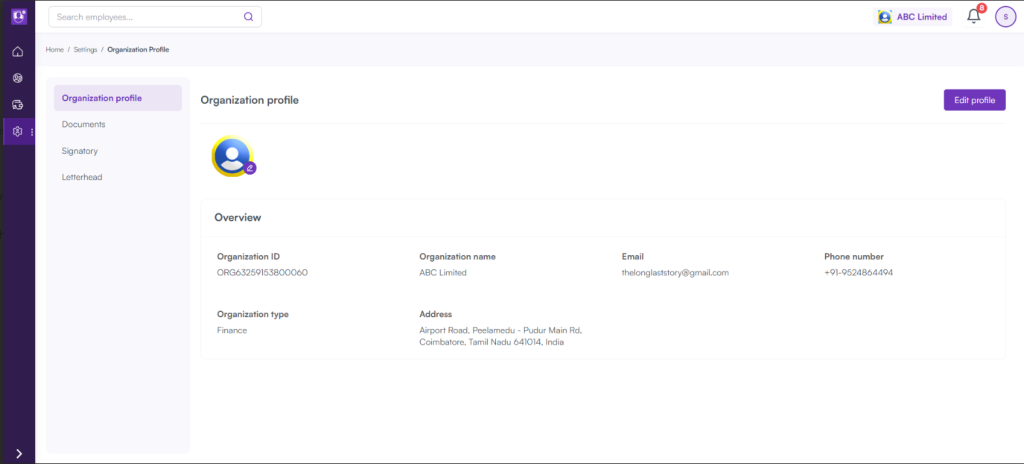
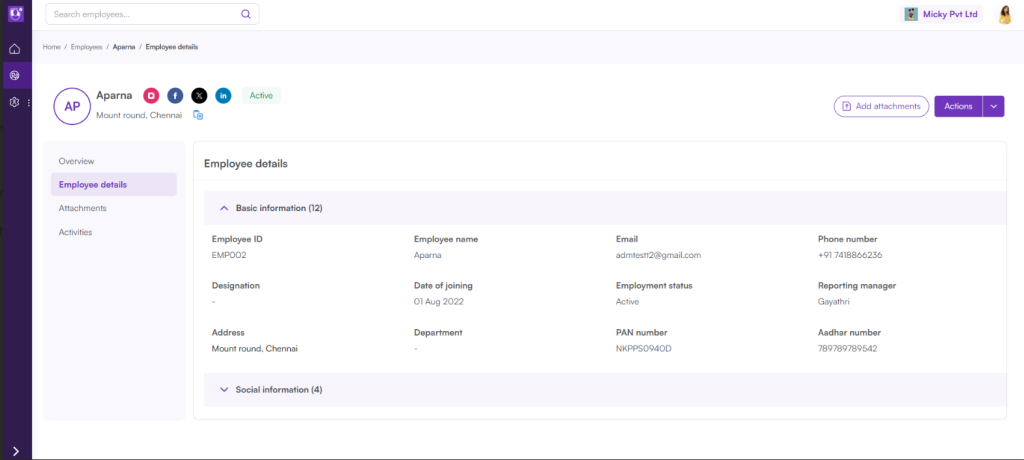
Step 1: Access the Lystproof Dashboard
Log in to your Lystproof HR dashboard first. The user-friendly interface specifically designed for HR procedures. It is simple to access uploaded records, employee profiles, and verification tools.
From the dashboard, you may see:
- Employee document repositories
- Each record’s verification state
- Pending verification requests
- Audit logs and activity history.
Step 2: Add Workplace Records
Uploading employment documentation for verification is the next stage. Lystproof supports formats including digitally signed files, PDFs, and pictures.
Common documents consist of:
- Offer letters,
- Appointment orders,
- Pay stubs,
- Appraisal letters,
- Service or experience certificates,
- Exit letters.
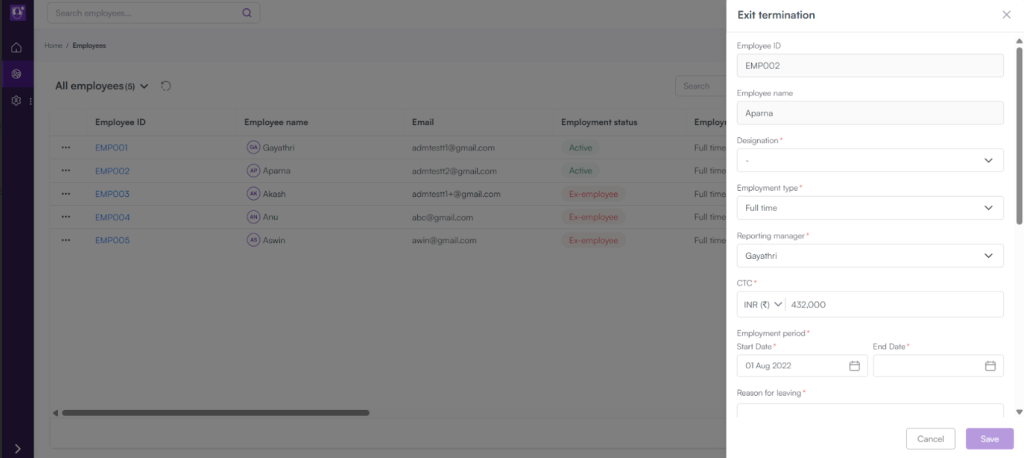
Once the file is uploaded, Lystproof indexes and encrypts it in its secure digital vault. This serves as the basis for your HR digital document management system. This guarantees that confidential HR information is safe and unchangeable.
Switch to an automated employment verification platform – Sign in Now!
Step 3: Start the Verification Procedure
HR teams can start automated employment verification after uploading. Lystproof authenticates the integrity of each document using verification mechanisms such as:
- Block-chain,
- Timestamping, and
- Data validation.
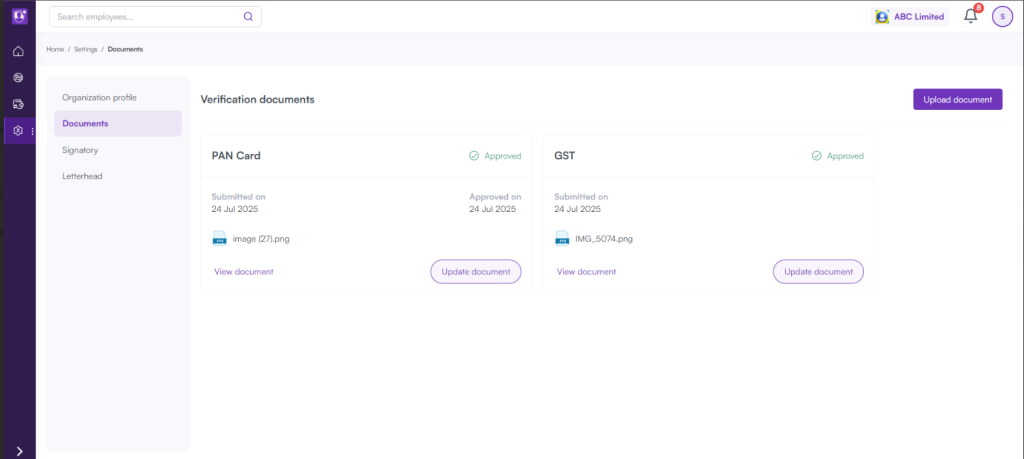
Now, your document is legally verified through these procedures.
Lystproof’s verification method has the following advantages:
• Reduces the possibility of fake or altered records
• Eliminates human verification delays
• Increases trust with third-party verifiers.
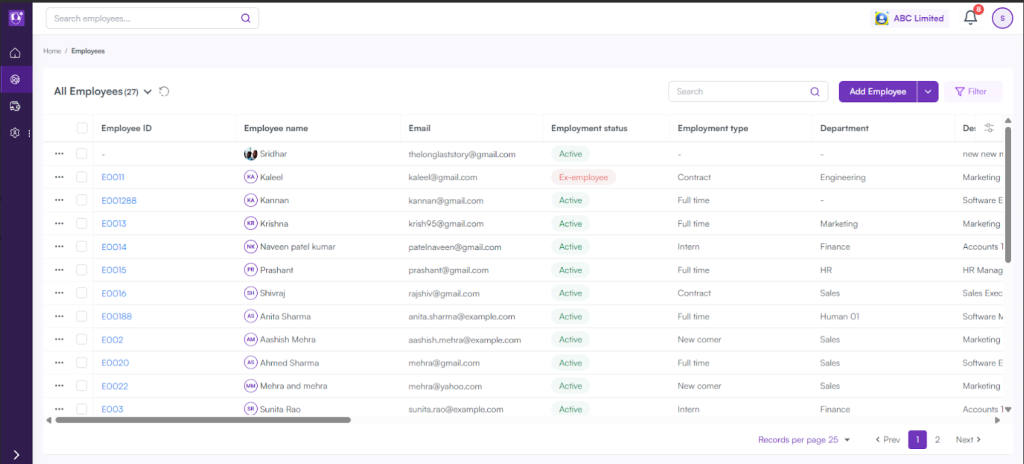
Every validated document has a distinct digital signature. It will be linked to the originating employer.
Step 4: Access the Link
HR teams can share the verified records after they are authenticated, within seconds.
• Choose the confirmed document or documents from the dashboard.
• Now your chosen document is verified.
•It is created as a link where you can share with auditors, new employers, and background check companies
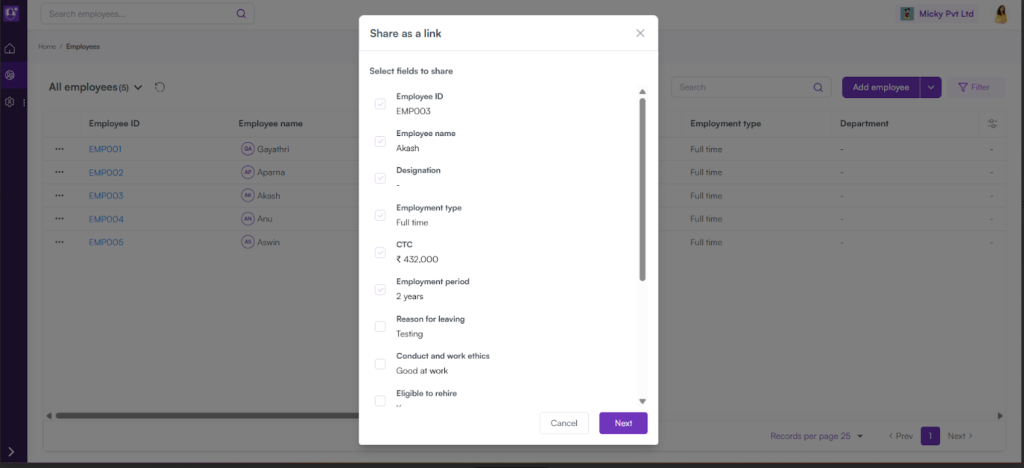
This one-click sharing ensures speed and data security. It removes the need for laborious data transfers or email attachments.
Note: The link will be sent via email once the payment is done. The verified document is shared in PDF format.
Step 5: Handle Permission and Access
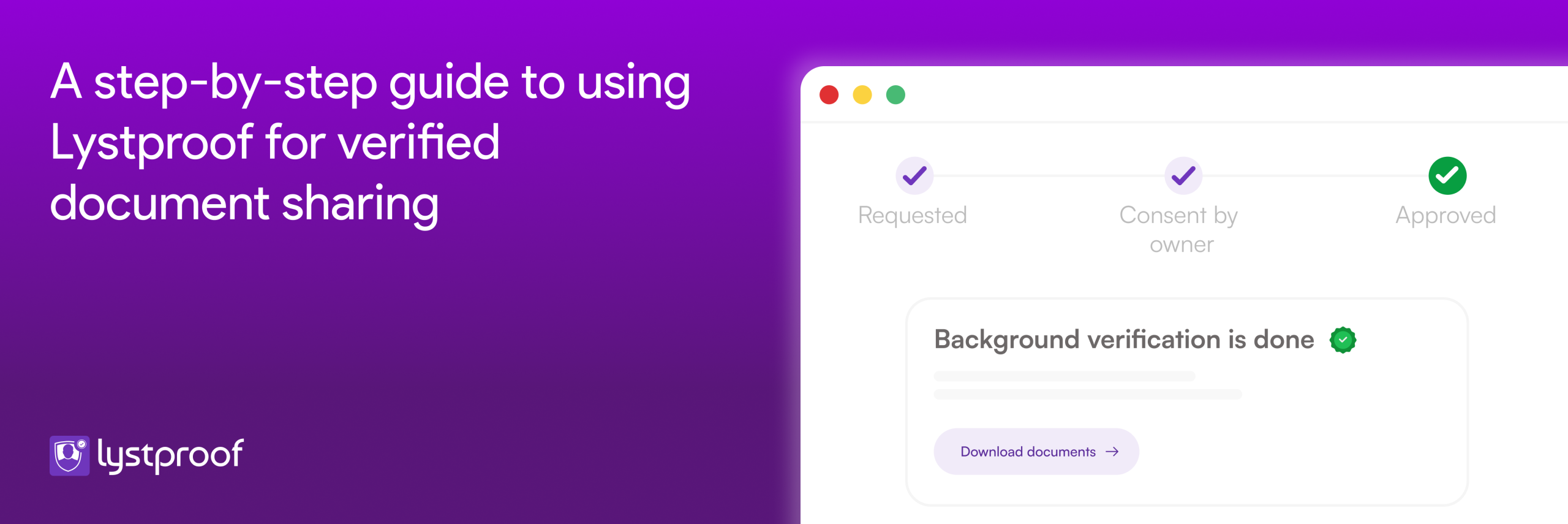
Every document published through Lystproof adheres to a sharing model based on consent. To ensure compliance with GDPR and DPDP, employees must approve verification.
Also, HR’s can:
• Determine who and when the document is seen;
• Set document expiration dates;
• Revoke access at any time.
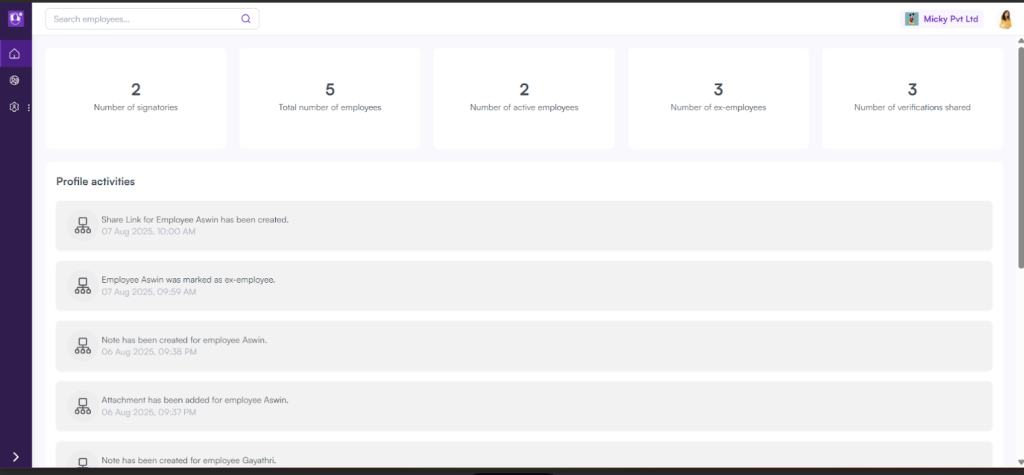
This makes document exchange public and auditable. This is crucial for legal and compliance departments.
Step 6: Track Activity and Examine Trails
Lystproof automatically keeps a complete audit trail of all platform actions. It includes:
- Uploads,
- Verification status modifications,
- Document sharing, and
- Link access.
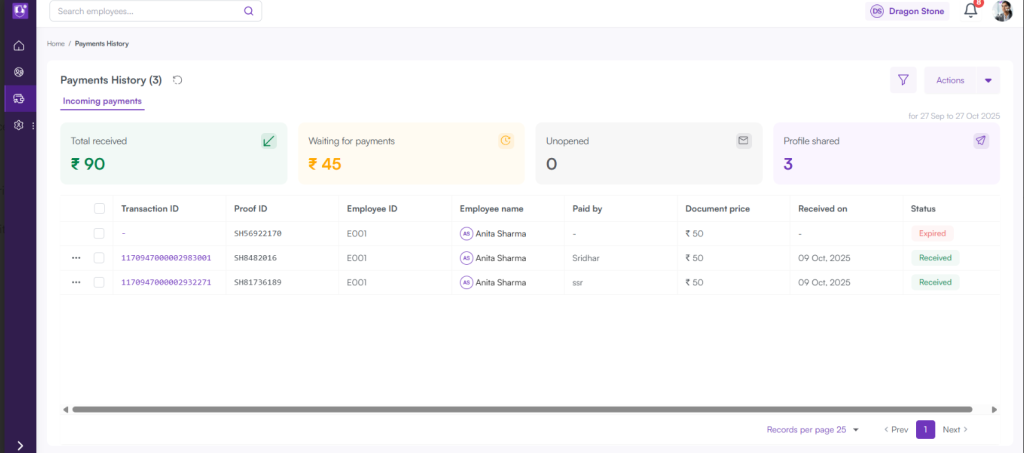
With integrated logs and analytics, HR directors can simply:
- Monitor deadlines for document verification
- Examine the history of document access and
- Produce compliance reports.
The organization’s internal governance is strengthened by this visibility. It also aids in keeping accurate and clean employment records.
Why HR teams should choose Lystproof
- Speed & Efficiency: Verification now takes seconds instead of days.
- Security & Compliance: Protects data in enterprise-grade encryption, consent tracking, and audit logs.
- Transparency: Employees and verifiers can quickly verify the legitimacy of documents.
- Integration: Easily integrates with widely used ATS and HRMS software.
- Improved Experience: It has digitally accessible and verified documents. Employees no longer need to pursue HR for exit letters.
Get Started with the Right Employment Verification Platform – Lystproof
HR departments can avoid laborious document exchanges and manual verification with Lystproof. The platform makes employment verification visible, safe, and future-ready. It streamlines the entire process from upload to verification to one-click sharing.
Implementing Lystproof for a more intelligent, paperless, and reliable HR environment. Your every employment record is secure, verifiable, and shareable.